Introduction
You have probably typed on a mushy membrane keyboard your whole life and thought, “this is fine.” Then you tried a mechanical keyboard once, and suddenly nothing felt the same again.
The Keychron K2 wireless mechanical keyboard sits at that perfect crossroads where quality meets affordability. It is compact, versatile, and works with both Mac and Windows. Whether you are a programmer, writer, or just someone who spends hours at a desk, this keyboard promises to change how typing feels.
In this article, you will get a full breakdown of everything worth knowing before you buy. We cover build quality, switch options, battery life, compatibility, and where it genuinely falls short. No fluff, just the facts you actually need.
What Is the Keychron K2?
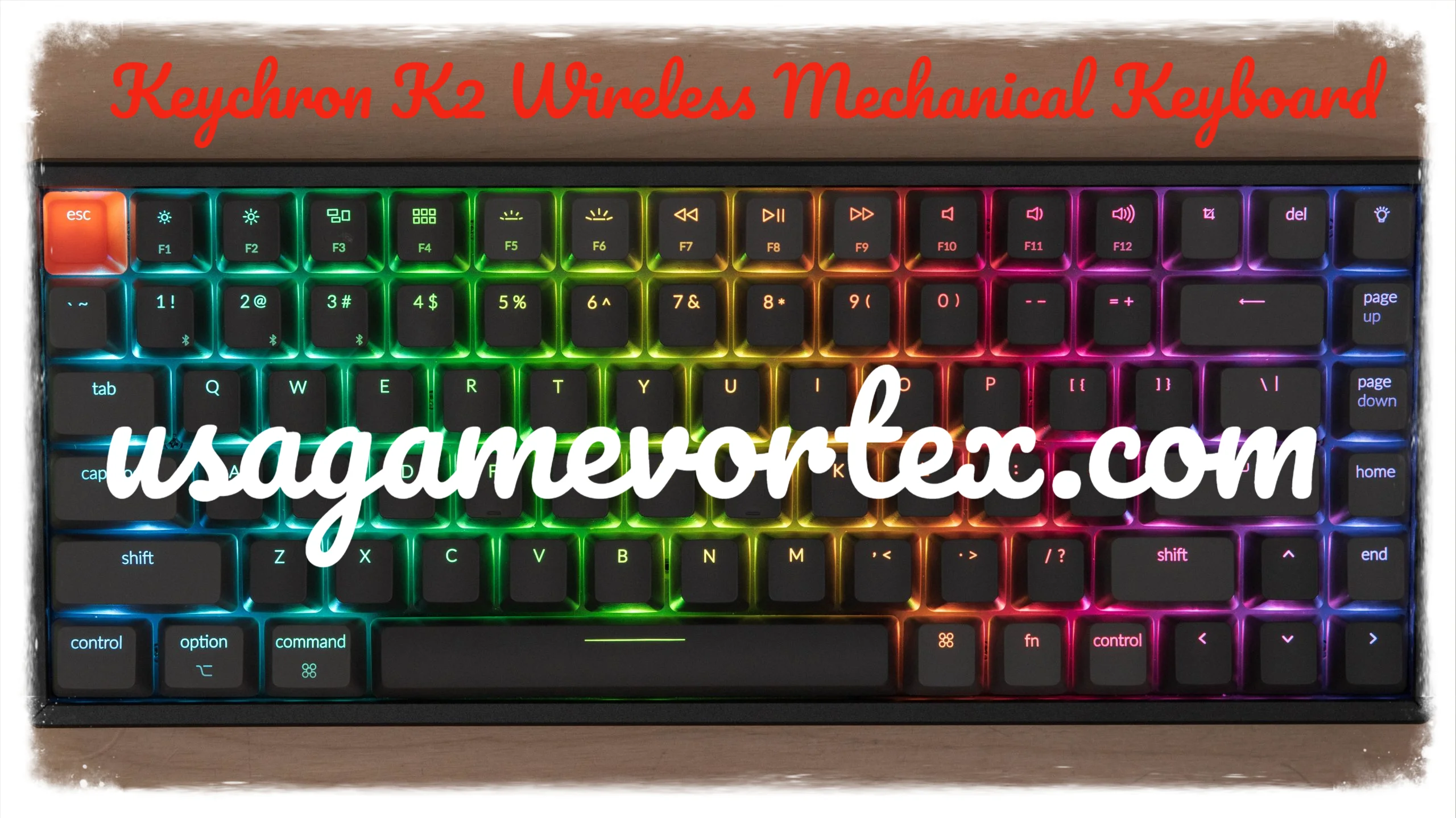
The Keychron K2 is a 75% tenkeyless mechanical keyboard made by Keychron, a Hong Kong-based brand that disrupted the mechanical keyboard market around 2019. It skips the number pad but keeps the arrow keys and a handful of function row keys. That balance makes it compact without feeling incomplete.
It supports both wireless Bluetooth and wired USB-C connections. You can switch between up to three Bluetooth devices. That means you can pair it with your laptop, tablet, and desktop at the same time and hop between them instantly.
The K2 comes in two versions:
- Version 1 (V1) — The original release with a standard frame
- Version 2 (V2) — An updated version with south-facing RGB lighting for better keycap compatibility, a slightly revised layout, and hot-swap support on select variants
Build Quality: Is It Worth the Price?
When you first pull the Keychron K2 out of the box, one thing hits you immediately: it feels solid.
The frame is plastic, but it is dense and reinforced. It does not flex when you press down hard. Some premium keyboards use aluminum, and yes, that feels more premium, but for the price point of the K2 (around $75 to $90 USD depending on version and switches), the build is more than respectable.
The keycaps are made from doubleshot PBT plastic. PBT keycaps are more durable than ABS. They resist shine and feel slightly textured. After months of heavy use, they still look and feel close to new.
The keyboard has a slight elevation on the back. Keychron does not include adjustable feet, which is a drawback for users who prefer a flatter typing angle.
Weight and Portability
At roughly 810 grams, the K2 is not ultralight. You can carry it in a bag, but it is not designed to be a travel keyboard. Think of it as a desk companion that can move when you need it to.
Switch Options: Choosing What Feels Right for You
This is where buying a mechanical keyboard gets fun and also slightly overwhelming.
The Keychron K2 is available with multiple Gateron switches. Gateron makes smooth, reliable switches that many typists prefer over Cherry MX. Here is what you get to choose from:
Gateron Red (Linear)
Smooth and quiet with no tactile bump. Great for gaming or fast typists who do not want resistance. Light actuation force makes it feel effortless.
Gateron Brown (Tactile)
A gentle bump lets you know the key registered. Not clicky, so it stays relatively quiet. This is a solid choice for office environments or shared spaces.
Gateron Blue (Clicky)
Loud, satisfying, and unmistakably mechanical. Every keystroke gives you an audible click. Your coworkers may not love you for this choice, but your fingers will.
Hot-Swap Variant
Some K2 V2 models come with a hot-swap PCB. That means you can pull out switches without soldering and replace them. If you want to experiment with different switches over time, hot-swap is a feature worth paying for.
Wireless Performance: How Well Does It Actually Work?
Bluetooth mechanical keyboards have a reputation for input lag, especially in gaming. The Keychron K2 uses Bluetooth 5.1, which is a meaningful improvement over older Bluetooth versions.
For typing, the wireless experience feels virtually identical to wired. There is no noticeable lag when you are writing, coding, or browsing. Heavy power users and competitive gamers may still prefer wired mode for zero-latency performance, but for everyday tasks the wireless connection is smooth.
Switching between paired devices is simple. You hold Function + 1, 2, or 3 depending on which Bluetooth slot you want. The swap takes about two seconds. It is one of the most practical multi-device setups at this price range.
Battery Life
The K2 packs a 4000mAh rechargeable battery. With RGB lighting turned off, you can realistically expect two to three weeks of use on a single charge. With full RGB on, that drops to around one week.
The battery charges via USB-C, which is a welcome modern choice. You can even use the keyboard while it charges if needed.
RGB Lighting: Eye Candy or Useful Feature?
The Keychron K2 offers per-key RGB backlighting with multiple modes and effects. You can cycle through waves, breathing effects, reactive lighting, and static colors.
On the V2 model with south-facing LEDs, the RGB shines through double-shot keycaps more evenly. The V1 used north-facing LEDs, which could cause interference with certain keycap profiles.
Honestly, RGB adds personality but it is not a necessity. If you are using the keyboard in a bright room, you may never notice it. In a dim setup, it adds atmosphere. The option is there, and it works well.
One practical tip: turn RGB off or set it to low brightness when running on battery. It is the single biggest drain on the battery.
Mac and Windows Compatibility: Switching Is Effortless
Most keyboards feel awkward when you switch between a Mac and a PC. The Keychron K2 handles this better than almost anything else at its price.
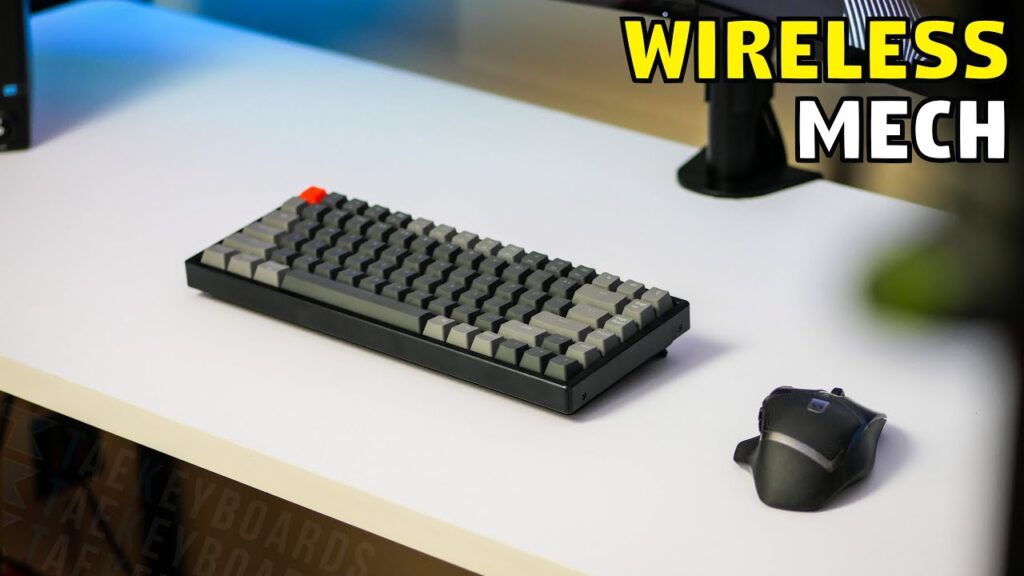
It ships with two sets of keycaps: one for Windows (Win, Alt) and one for Mac (Command, Option). Swapping them takes about two minutes with the included keycap puller. There is also a physical switch on the side that toggles the keyboard between Mac and Windows mode, remapping keys automatically.
This dual-compatibility makes the K2 genuinely useful in mixed-OS environments. If you use a MacBook at home and a Windows machine at work, one keyboard covers both.
Typing Experience: What Daily Use Actually Feels Like
This is the part that matters most if you type for hours every day.
The K2 with Gateron Browns (which I have used personally for extended writing sessions) delivers a satisfying, balanced feel. The tactile bump gives enough feedback without fatiguing your fingers. The 75% layout keeps everything within comfortable reach. Your hands do not stretch as far as they would on a full-size keyboard.
The keycap legends are accurate and clearly printed. The PBT surface has a slight matte texture that feels comfortable under your fingertips, even during long sessions.
One thing worth mentioning: typing sound on the K2 is moderate. It is not silent, but it is not obnoxiously loud either (assuming you go with Red or Brown switches). If you work in an open office, Reds or Browns are the respectful choice.
Typing Angle and Ergonomics
The K2 has a fixed tilt of about 6 degrees. Some users find this perfectly comfortable. Others prefer a flatter layout. Since there are no adjustable feet, what you see is what you get. If you use a wrist rest, factor that into your comfort equation.
Who Should Buy the Keychron K2?
The K2 is a strong match for several types of users:
- Writers and content creators who want a comfortable, tactile typing experience all day long
- Programmers who appreciate a compact layout that keeps common keys close together
- Mac and Windows users who share one keyboard across two systems
- Beginners entering the mechanical keyboard world who want quality without spending $150 or more
- Remote workers who want a wireless setup that looks and feels clean on a desk
Who Should Consider Something Else?
- Gamers needing zero lag may prefer a wired gaming keyboard with a higher polling rate
- Users who want an ultra-quiet keyboard should look into keyboards with dampening foam or silent switches
- People who need a numpad will need to look at 100% or TKL layouts instead
Keychron K2 vs Competitors
How does the K2 compare to similar keyboards in its class?
Keychron K2 vs Anne Pro 2: The Anne keychron k2 wireless mechanical keyboard at a similar price. It uses a 60% layout, which is more compact but gives up the arrow keys and function row that the K2 retains. If you rely on arrow keys, the K2 wins.
Keychron K2 vs Logitech G915 TKL: The G915 TKL is a premium wireless mechanical keyboard that costs two to three times more. It uses low-profile switches and has a slimmer design. Build quality is higher, but so is the price. The K2 offers better value for the money.
Keychron K2 vs GMMK Pro: The GMMK Pro targets enthusiasts with more customization options and a premium gasket-mounted design. It costs significantly more. The K2 is the better entry-level choice.
Common Questions People Ask About the Keychron K2
Does the Keychron K2 work without a receiver dongle?
Yes. The K2 uses direct Bluetooth pairing. There is no USB dongle needed. It connects directly to your device through Bluetooth 5.1.
Can you use the Keychron K2 while it is charging?
Yes. You can plug it in via USB-C and use it in wired mode while the battery charges.
Is the Keychron K2 good for gaming?
It works fine for casual and everyday gaming. Competitive gamers who need sub-millisecond response times may prefer a wired keyboard with a higher polling rate.
How many devices can you pair with the Keychron K2?
Up to three devices via Bluetooth. You switch between them using the Function key plus 1, 2, or 3.
Final Verdict: Should You Buy the Keychron K2?
After spending time with the Keychron K2 wireless mechanical keyboard, it is hard not to recommend it to most people looking to upgrade their typing setup.
It checks nearly every box: solid build quality, great switch options, wireless freedom, multi-device pairing, and cross-platform compatibility. The price to performance ratio is difficult to beat in the 75% keyboard category.
Is it perfect? No. The fixed tilt, lack of adjustable feet, and average wireless latency in fast-paced games are real limitations. But for the vast majority of everyday users, these are minor inconveniences compared to what the keyboard delivers.
If you have been thinking about switching to a mechanical keyboard, the K2 is one of the safest and smartest ways to make that leap. You get a premium feel, genuine versatility, and a keyboard that will serve you well for years.
What type of switches are you thinking about trying? Drop your pick in the comments.
Frequently Asked Questions
1. Is the Keychron K2 worth buying in 2024? Yes. It remains one of the best value wireless mechanical keyboards available, especially for writers, remote workers, and dual-platform users.
2. What is the difference between Keychron K2 V1 and V2? V2 features south-facing RGB LEDs for better keycap compatibility, a revised layout, and hot-swap support on select models.
3. Does the Keychron K2 have a hot-swap version? Yes. Select V2 models come with a hot-swap PCB that lets you change switches without soldering.
4. What operating systems does the Keychron K2 support? It supports macOS, Windows, iOS, Android, and Linux. It ships with keycaps for both Mac and Windows layouts.
5. How long does the Keychron K2 battery last? Around two to three weeks with RGB off, and approximately one week with full RGB lighting on.
6. Can I use the Keychron K2 with an iPad? Yes. It pairs via Bluetooth and works with iPads and other iOS devices.
7. Is the Keychron K2 good for programming? Yes. The 75% layout keeps all essential keys accessible, including arrow keys and a function row, making it a practical choice for developers.
8. Does the Keychron K2 come with a wrist rest? No. A wrist rest is not included. You can purchase one separately for added comfort during long typing sessions.
9. Are the Keychron K2 keycaps replaceable? Yes. The keyboard uses standard keycap sizes, and the keycaps are fully replaceable with third-party options.
10. Is there a Keychron K2 with silent switches? Keychron does not officially offer silent switches for the K2, but if you have the hot-swap version, you can install silent switches from brands like Gateron or Boba independently.
also read: usagamevortex.com
email: johanharwen@314gmail.com
Author Name: James Hartley
About the Author : James Hartley is a tech writer and productivity enthusiast with over eight years of experience reviewing keyboards, peripherals, and workspace gear. He has tested over 60 mechanical keyboards and helps everyday users find the right tools for their setup. When he is not typing, he is usually comparing switch actuation forces or convincing friends to ditch their membrane keyboards.